
If your organisation uses vOnboard, financial information entered by the worker flows through from the portal automatically.
Bank details
Enter the worker’s bank account details. You have the option to enter up to three bank accounts.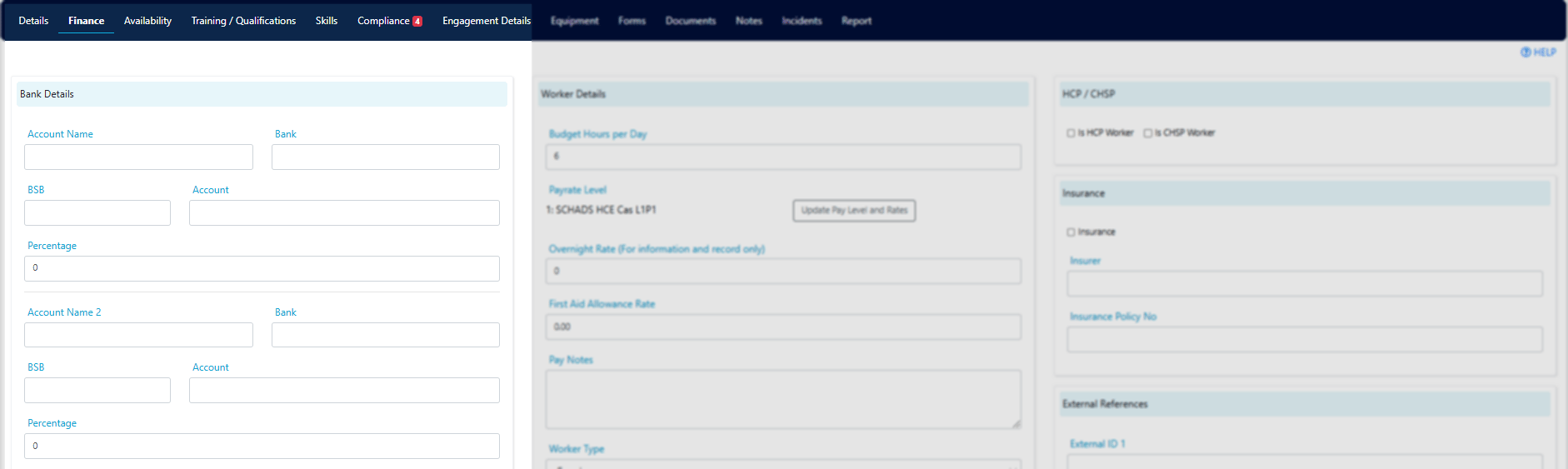
Part-time daily hour requirement
Enter a worker’s part-time daily hour requirement here for information purposes.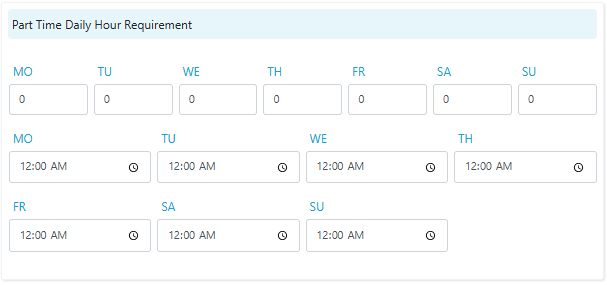
Worker details
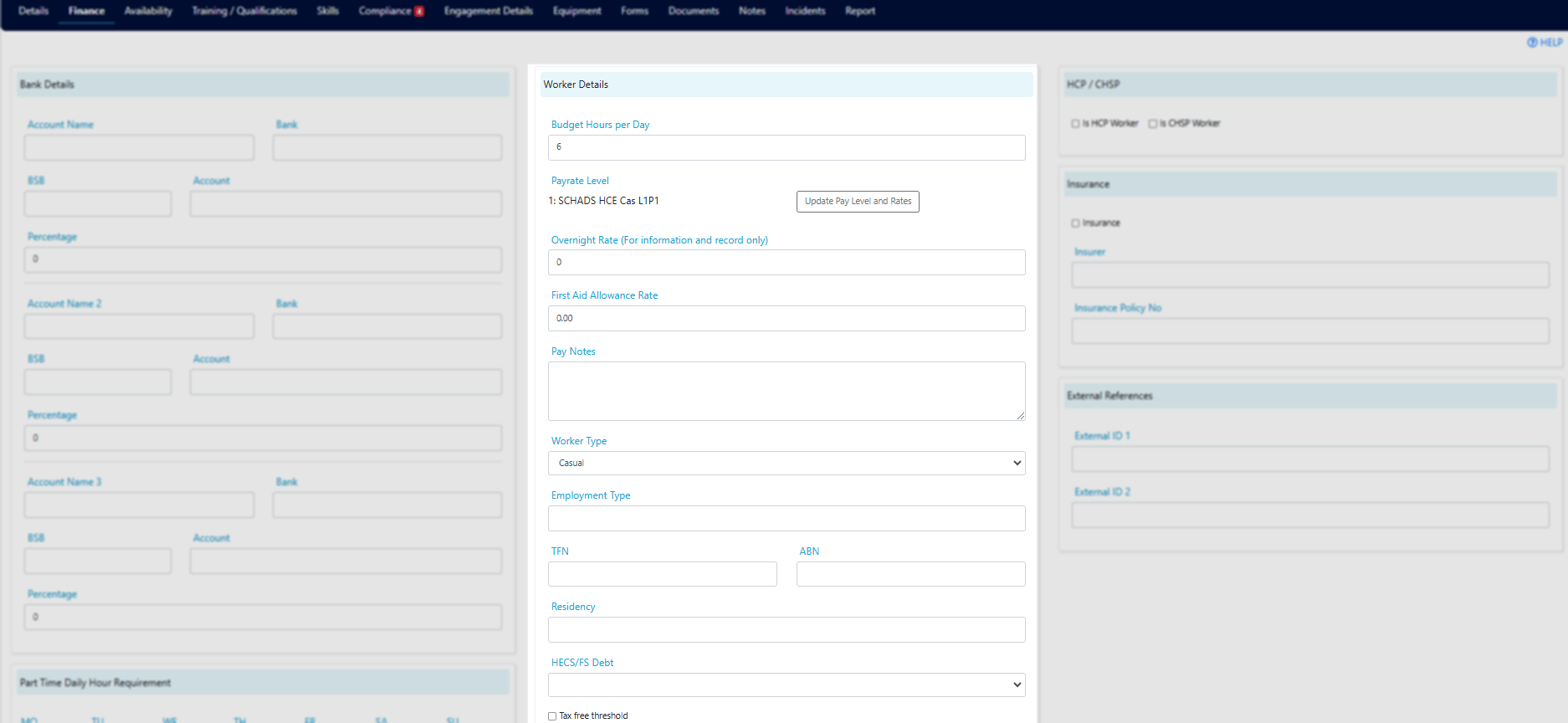
Pay rate level
Select the worker’s pay rate level and the date from which it applies, then click Update. This value is used for integration with your finance system.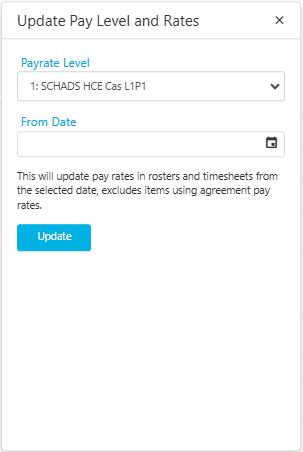
When a worker’s pay rate level changes, update the level and the effective date here. The new level applies from the date entered.
Additional pay fields
Tax and superannuation
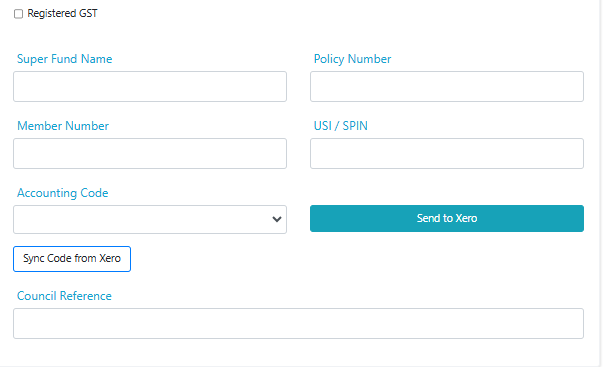
Finance system integration
HCP and CHSP
Insurance
External references
Running into issues?
See Worker management troubleshooting for common errors and fixes.Related articles
Budget hours
Set daily budget hours to prevent over-rostering
Engagement details
Configure award details and pay rate overrides
Creating a worker profile
Set up a new worker in Visualcare